Kaspersky Rescue Disk 18.0.11 For Windows (2026)
18.0.11New
Virus FreeNo AdwareSafe DownloadLab Tested
Download Kaspersky Rescue Disk for free and clean your PC from viruses and malware easily. This powerful rescue tool helps fix infected systems and restore your computer safely.
Virus-free • Verified by FreewareLab
Download Kaspersky Rescue Disk Latest Version - Freewarelab
Download Kaspersky Rescue Disk for free and clean your PC from viruses and malware easily. This powerful rescue tool helps fix infected systems and restore your computer safely.
5.0(2)
0 downloads
Apr 20, 2026
Kaspersky Rescue Disk 18.0.11 For Windows (2026) Video Overview
Watch this video to learn more about Kaspersky Rescue Disk 18.0.11 For Windows (2026) features and how to use it.
Kaspersky Rescue Disk
Kaspersky Rescue Disk is a free security tool. It is designed to remove viruses, malware, and other harmful threats from your computer. When your system cannot boot normally. It works by loading a clean environment from a USB or CD. It allows you to scan and fix your system safely without interference from infected files.
It is the best and most helpful application for pc users. It can protect your system from badly infected viruses.
Why Use Kaspersky Rescue Disk Download
It is useful in many serious situations. If your computer is slow and or infected with hidden malware, this tool can help clean everything safely.
It runs outside your Windows system, which means even deeply hidden viruses can be detected and removed easily.
Key Features of Kaspersky
- Runs before Windows starts
- Removes deep and hidden viruses
- Works even if your PC is not opening
- Completely free to use
- Easy and simple interface
- Supports USB and CD boot
- Updates virus database online
- Includes file manager and tools
- Detects ransomware and rootkits
- Full scan and custom scan options
- Saves infected files in quarantine
- Shows detailed scan reports
How Kaspersky Rescue Disk Works
A different operating space takes over once the computer boots from this device. Built into a USB or CD, Kaspersky Rescue Disk runs before regular system startup.
Once started, a full system scan clears viruses before they activate. That boost in effectiveness comes from stopping threats early.
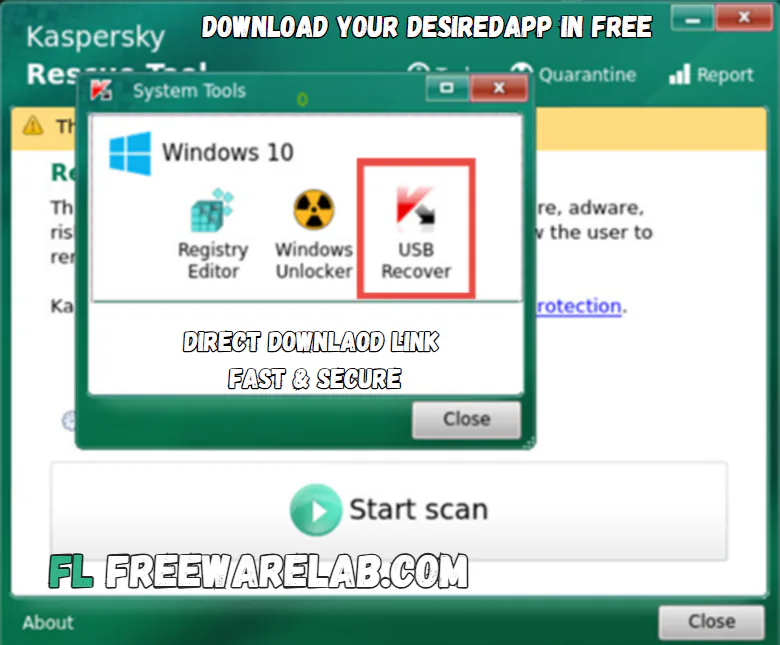
Best Alternatives to Kaspersky Rescue Disk
Bitdefender Rescue CD: A strong rescue tool that helps remove viruses from your computer when it cannot start.
Avira Rescue System: It can scan and fix infected computers. It also helps repair damaged systems and recover important files.
Dr.Web LiveDisk: A simple and lightweight tool that removes viruses and protects your data.
When Should You Use Kaspersky Rescue Disk?
- You should use this tool when:
- Your PC is not starting properly
- Antivirus software is not working
- You suspect deep malware infection
- System performance is extremely slow
- You want to clean a virus before Windows loads
Final Thoughts
It is a powerful and reliable tool for removing dangerous malware. A trusted method appears when normal access fades away. Cleaning infected machines happens outside the OS entirely. Protection comes alive even if the system shuts down first.
When a computer has serious infections that standard virus scanners can’t fix. This rescue disk can be a lifesaver.
How to Download and Use Kaspersky Rescue Disk
- Click the download button and get the installation setup
- Install Rufus on your PC
- Insert a USB drive (at least 4GB)
- Use Rufus to create a bootable USB
- Restart your computer
- Boot from USB (select USB in the boot menu)
- Choose the Kaspersky Rescue Disk option
- Update virus database (if internet is available)
- Run a full system scan
- Delete or fix detected viruses
Kaspersky Rescue Disk Pros & Cons
Pros
Completely free
Removes stubborn malware
Works even if Windows won’t start
Easy to use interface
Strong virus detection
Cons
Requires bootable setup
Slower scanning process
Limited features compared to full antivirus software
Kaspersky Rescue Disk System Requirements
RAM: 1 GB RAM
Storage: USB drive (at least 4 GB) or CD/DVD
Other: BIOS/UEFI boot support
OS: Compatible with most Windows PCs
Kaspersky Rescue Disk Frequently Asked Questions (FAQs)
1Is Kaspersky Rescue Disk free?
It is completely free and download our website.
2Can it remove all viruses?
It can remove most types of malware, including hidden and stubborn threats.
3Do I need internet to use it?
No, but internet helps update virus definitions.
4Can beginners use it?
Yes, but basic knowledge of booting from USB is helpful.
Package Size
642.12 MB
5.0
2 reviews
Direct & Safe Download
Buy License Officially
Virus FreeVerifiedFast
Product Information
File Name
Kaspersky Rescue Disk 18.0.11 For Windows (2026)
Developer
Kaspersky
License
Freeware
Total Downloads
0
Platform
Windows
4
Related Apps
Similar software you'll love
#1

Avast Premium Security 26.1.10738 for Windows (2026)
Avast Premium Security delivers award-winning antivirus with advanced protection against scams, ransomware, and online threats for complete peace of mind.
v26.1.10738335.0
#2

IObit Malware Fighter Pro 13.1.0.1617 for Windows (2026)
Download IObit Malware Fighter PRO for windows is an advanced antivirus that delivers multi-layer protection against malware, spyware, ransomware, and online threats to keep your PC safe.
v13.1.0.161775.0
#3

Malwarebytes Premium 5.4.6.227 For Windows (2026)
Download Malwarebytes Premium for Windows is a powerful anti-malware and security software. It is designed to protect your computer from viruses, ransomware, spyware, adware, and other online threats.
v5.4.6.227125.0
#4

Kaspersky VPN Download 21.23.6.614 for Windows 2026
Kaspersky VPN Download Full Version for Windows is the best software for keeping you safe and private online. Made by Kaspersky it hides your IP address protects your data while you browse online.
v1.23.6.614235.0
Related Tags
Explore more software in these categories
Kaspersky Rescue Disk 18.0.11 For Windows (2026) Tested & Verified
by FreewareLab Security Team
SECURE
0/72
VirusTotal
Apr 20
Test Date
Win 11
Platform
100%
Trust Score
No MalwareNo AdwareClean InstallFeatures Verified
A
Ash ColemanVerifiedTOP
Software Security Analyst at FreewareLab
Our Verification Process
Security Scan
Every file scanned with 72+ antivirus engines via VirusTotal
Installation Test
Clean install verified - no bundleware, adware, or PUPs
Feature Verification
All advertised features tested and confirmed working
5.0
Excellent
2 ratingsRating Breakdown
5
2(100%)
4
0
3
0
2
0
1
0
Write a Review
for Kaspersky Rescue Disk 18.0.11 For Windows (2026)
0 Reviews
Click to share your experience